Need to change an image from one format to another? ImgNeo Format Converter lets you switch between PNG, JPG, WebP, BMP, and TIFF in seconds — right in your browser, no signup, no upload limits.

Why Convert Image Formats?
Different formats serve different purposes. PNG keeps transparency but bloats file size. JPG compresses well but loses detail. WebP is modern but not universally supported. Converting between them means you can always use the right format for the job — smaller emails, faster websites, or compatible uploads.
How to Convert Images to a Different Format
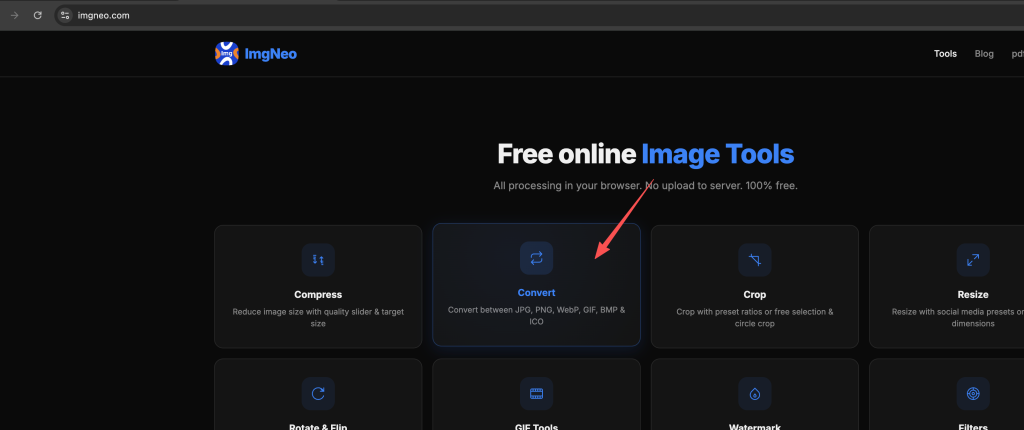
Step 1: Open the Format Converter
Go to imgneo.com/convert. The interface loads instantly — no account needed.
Step 2: Upload Your Image
Drag and drop your image onto the page, or click to browse. Supports PNG, JPG, WebP, BMP, TIFF, and most common formats.
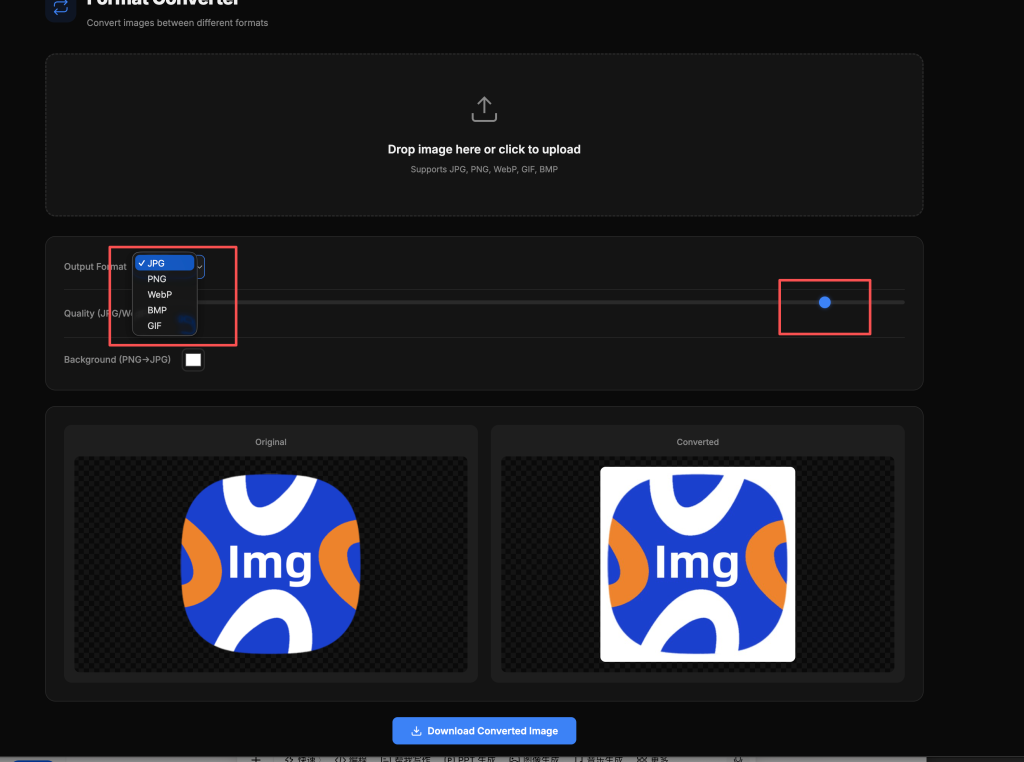
Step 3: Choose the Output Format
Pick your target format from the options:
表格
| Output Format | Best For | Transparency | Typical Size |
|---|---|---|---|
| JPG | Photos, email attachments | No | Smallest |
| PNG | Graphics, screenshots, logos | Yes | Medium–Large |
| WebP | Web pages, modern browsers | Yes | Smaller than PNG |
| BMP | Uncompressed archival | No | Largest |
| TIFF | Print, professional workflows | Yes | Large |
Step 4: Adjust Quality (Optional)
For JPG and WebP output, a quality slider appears. 85–90% is a sweet spot — barely visible quality loss with significant size reduction. Drop to 70% for thumbnails or web previews.
Step 5: Download the Converted File
Click the download button. The converted image saves to your device immediately. Everything runs locally in your browser — your images never leave your computer.
Common Conversion Scenarios
PNG to JPG — The most frequent conversion. A 2 MB PNG photo often shrinks to 300 KB as JPG with no visible difference. Just remember: PNG transparency becomes a white (or black) background in JPG.
WebP to PNG — Need to use a WebP image in software that doesn’t support it? Convert to PNG for universal compatibility.
JPG to PNG — Only necessary when you need transparency or lossless quality. File size will increase significantly.
Any to WebP — Cutting-edge web optimization. WebP typically delivers 25–35% smaller files than JPG at equivalent quality, and supports transparency like PNG.
FAQ
Does converting reduce image quality?
It depends on the direction. Converting to a lossless format (PNG, BMP, TIFF) preserves all data. Converting to JPG or WebP applies lossy compression — the quality slider lets you control the tradeoff.
Can I convert multiple images at once?
Currently the converter processes one image at a time. For batch conversions, run each image through — it’s fast enough that most people don’t need batch mode.
Will my transparent PNG background disappear in JPG?
Yes — JPG doesn’t support transparency. Transparent areas become white (or your chosen background color). If you need to keep transparency, convert to PNG or WebP instead.
Is there a file size limit?
No hard limit. Since processing happens in your browser, very large files (50 MB+) may take longer but will still work fine.
Does it work on phones?
Yes. The converter works in mobile browsers — Safari, Chrome, Firefox on iOS and Android.
More image tools from ImgNeo: Compress Images · Resize Images · Crop Images · Remove Background · Add Watermark