Need to cut one photo into multiple pieces? Whether you’re making a carousel post, preparing print tiles, or splitting a panorama for Instagram, ImgNeo Split Image does it in your browser — no signup, no upload to a server.
What You Can Do with Split Image
- Horizontal split — slice the image into row strips (panoramas, before/after comparisons)
- Vertical split — cut into column strips (carousel slides, side-by-side layouts)
- Grid split — divide into rows × columns (Instagram 3×3 grid, print tiles, puzzles)
- Download all pieces at once or individually
How to Split an Image Step by Step
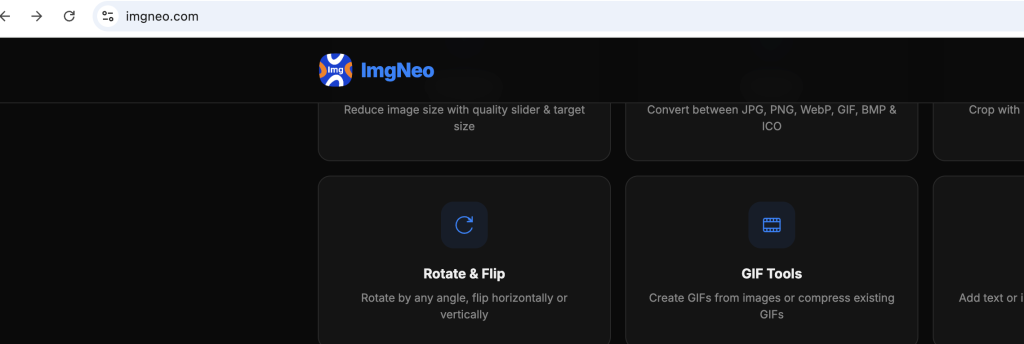
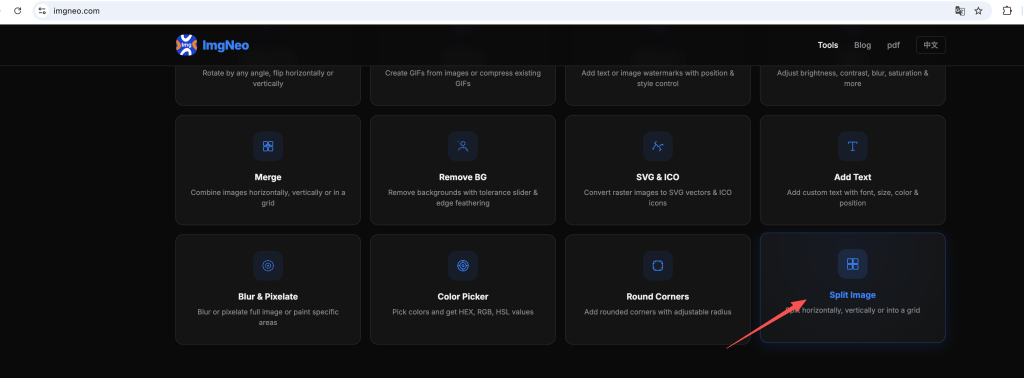
Step 1: Open the Tool
Go to imgneo.com/split-image.html. The page loads instantly — nothing to install or sign up for.
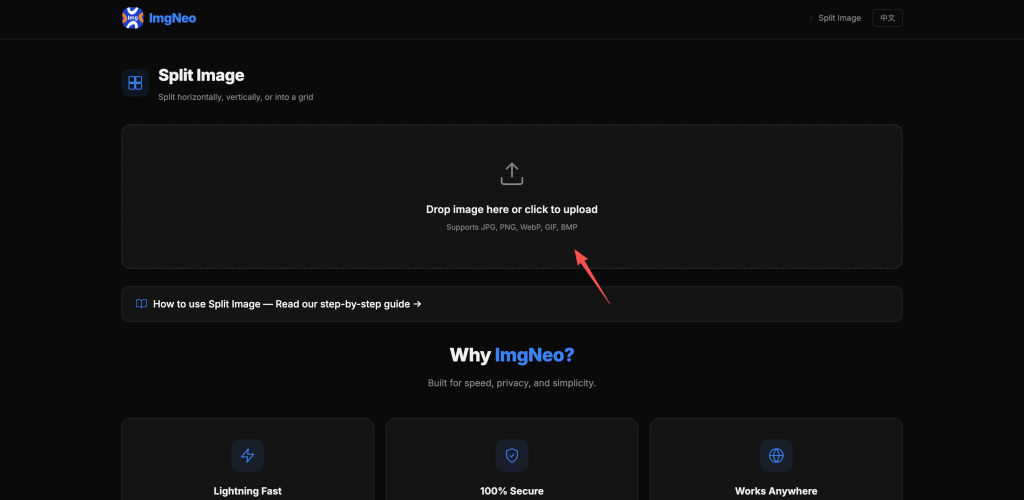
Step 2: Upload Your Image
Drag and drop your image onto the upload area, or click to browse. Supported formats: JPG, PNG, WebP, GIF, BMP.
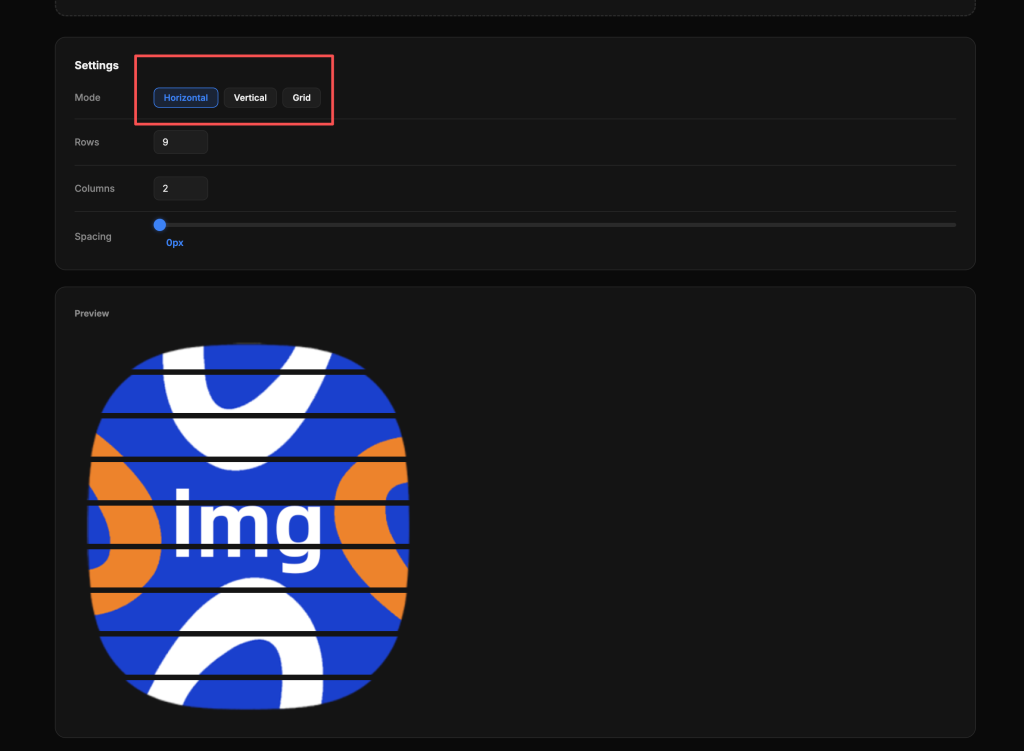
Step 3: Choose Split Direction
Pick one of the three modes:
- Horizontal — splits into horizontal strips (rows)
- Vertical — splits into vertical strips (columns)
- Grid — splits into a grid of rows and columns
Step 4: Set the Number of Rows/Columns
Use the number input to set how many pieces you want. For grid mode, set both rows and columns separately.
Common setups:
表格
| Use Case | Direction | Rows | Columns |
|---|---|---|---|
| Instagram 3×3 grid | Grid | 3 | 3 |
| Instagram carousel (3 slides) | Vertical | 1 | 3 |
| Panorama strips | Horizontal | 3 | 1 |
| Print tiles (2×2) | Grid | 2 | 2 |
| Before/after (2 halves) | Vertical | 1 | 2 |
Step 5: Download
Click Download All to save every piece as a ZIP, or Download Individually to pick specific ones.
FAQ
Does splitting reduce image quality?
No. The tool cuts the original pixels without re-encoding. Each piece has the same quality as the corresponding region of the source image.
What’s the maximum number of splits?
There’s no hard limit, but keep in mind that more splits mean smaller pieces. For most uses, 2–6 rows or columns work best.
Can I split a GIF?
Yes, but each frame is split individually. The output will be static PNG images, not animated GIFs.
Do I need to create an account?
No. Split Image runs entirely in your browser — no signup, no email, no cloud upload.
What’s the difference between horizontal and vertical split?
Horizontal cuts across the width (you get horizontal strips stacked top to bottom). Vertical cuts down the height (you get vertical strips side by side). Grid combines both.
More Tools
- Compress Images — shrink file size without losing clarity
- Resize Images — change dimensions fast
- Merge Images — combine multiple photos into one
- Round Corners — add curved corners to any image